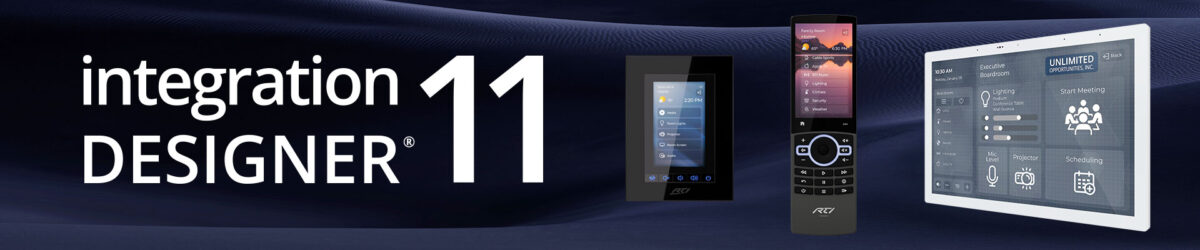
New Features of ID11.13:
- New: Support for the new driver store that allows 3rd party developers to have direct exposure in Integration Designer.
- New: Added an all-new template and template customization system
- Elegance is an all new template with fresh graphics and design, customizable for residential and commercial.
- Includes full automated theme support with 52 built-in themes.
- New sliders, gauges, toggles and weather graphics.
- New: Shared layers can now be broken out onto a single controller for controller-specific customization.
- New: Added the ability to schedule timed reboots for the system processor.
Integration Designer User Manual (v11.13)
The ultimate resource for every RTI integrator, the Integration Designer User Manual is a comprehensive guide for all aspects of creating and deploying systems using Integration Designer. Complete with hundreds of illustrative screenshots and Pro Tips in almost every topic, this guide should be your first point of reference for any question.
Fixes and Improvements of ID11.13.2:
- Fixed: Overly aggressive auto-programming has been eliminated from simple edits (button text edit, etc).
- Fixed: Drag and drop of rooms to change their order in the system has been fixed.
- Fixed: The driver list appearing empty after adding IR or RS232 codes has been fixed.
- Fixed: Video objects have been updated to not include the Virtual Panel controller since they are not supported.
Fixes and Improvements of ID11.13.1:
- Fixed: Emulated and low-power CPUs that lack certain modern CPU features are now supported.
- Fixed: Imported bundle files were not able to find their associated drivers in the new driver store.
- Fixed: Pasting multiple buttons no longer triggers auto-programming for the entire controller.
- Fixed: The installer will correct the updater module to the proper version for all installations.
- Fixed: Upgrades from very old Apex files are now supported.
Fixes and Improvements of ID11.13:
- Improved: Editing performance, especially for graphic heavy controllers.
- Improved: Compile times.
- Improved: The button select behavior for overlapping buttons.
- Improved: Copy/Paste behavior for controllers with multiple orientations.
- Updated: Shared layers are removed from the system when they are no longer used by any controllers.
- Resolved: Issues where the wrong flag set might be used in macros and variables.
- Updated: The user interface so that it is clear which flags (processor or local) are being used.
- Resolved: Several issues with Convert To function where shared layers may get corrupted.
- Resolved: An issue where the home page might get replaced with a different source page on a controller.
- Resolved: An issue where deleting the controller portion of a KX or XP8v might cause a dialog to be stuck within the UI.
- Resolved: An issue where when adding a pageset then a controller, the controller would not see the new pageset.
- Resolved: An issue where some Unicode file names could cause issues when reloading the file.
How to Upgrade:
To take advantage of the latest features and improvements, you will need to update Integration Designer, Processor FW, and RTiPanel for iOS and Android. If you encounter any issues during the upgrade process, let me know.
- ID: Update window should pop up when you open ID. If not, Help>Check for Updates
- Processor FW: https://www.rticontrol.com/dealer/firmware
- RTiPanel: Automatically on your device.
Computer requirements:
64 bit (x64) processor running Windows 10 or higher.
Computers with ARM processors are not supported, even when using x64 emulation. In particular, Integration Designer will not run on Apple Silicon-based Macintosh computers under virtualization.
** Note: Windows 10×64 or later Intel CPU builds of Windows are required to install and use Integration Designer 11.3 or later **