
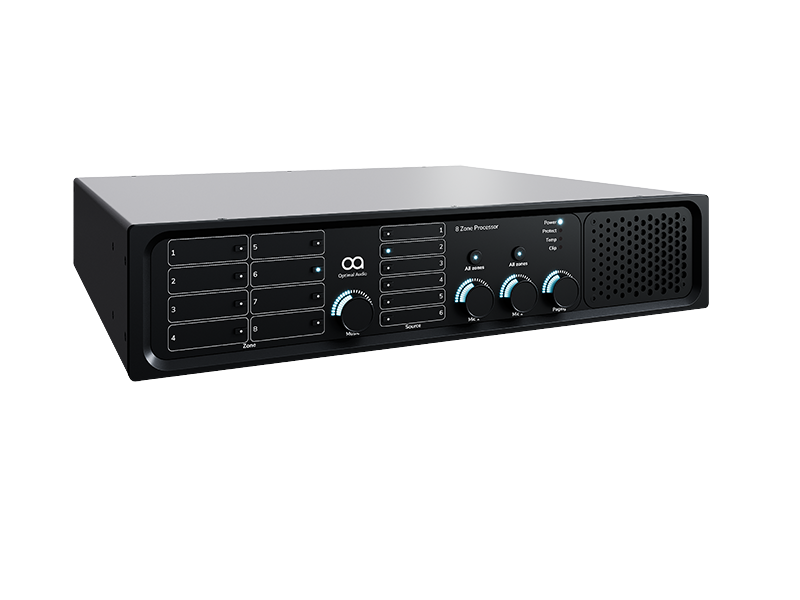
 Zone Controller
Zone is the brain of the system. It receives audio from one or more sources — a streaming service, a media player, a local microphone input, an HDMI-connected screen — and routes that audio to the correct zones at the correct levels.
It also handles the DSP (digital signal processing) that optimises the sound for each space: equalisation, volume limits, delay alignment between speakers in a large room. Optimal Audio Zone controllers come in two primary formats.
Zone 4 is a passive unit requiring external amplification whereas Zone 4P is an all-in-one unit with built-in amplification, both for up to four zones — ideal for smaller venues where compact unit under the counter or in a back office is the cleanest solution.
Zone 8 and Zone 8P handles up to eight independently controlled zones and connects respectively to either external SmartAmp amplifiers or has integrated amplification— the right choice for larger venues where different zonal control is required.
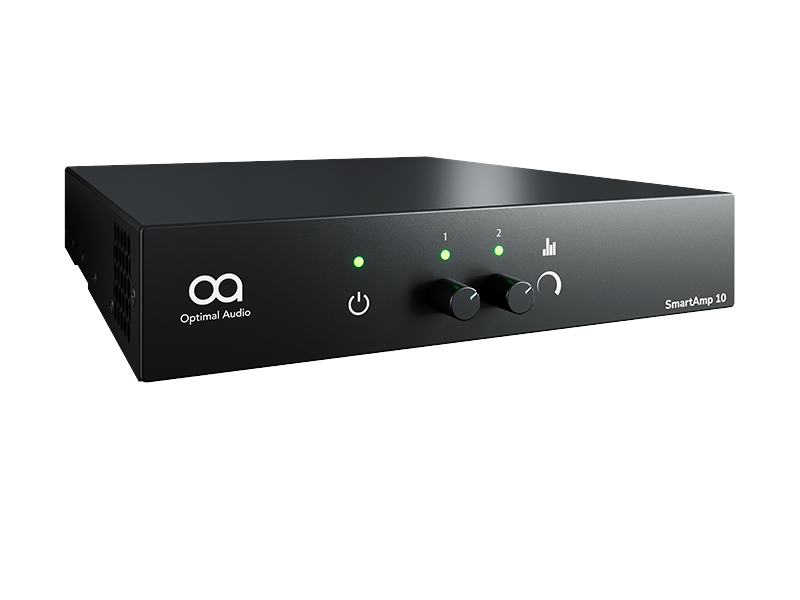 Amplification
Amplifiers take the signal from the controller and deliver the power that drives the loudspeakers. If the built-in amplification of a powered Zone 4P or Zone 8P is all you need, then choose this solution.
Where dedicated SmartAmp amplifiers sized for the specific demands of each space deliver the right output with efficiency, then this is the right choice.
Matching amplifier output to loudspeaker load and room size is one of the areas where an installer adds genuine value — under specifying an amplifier causes distortion at volume, or limits its capability and over specifying is unnecessary cost.
The system design examples available on Optimal Audio venue pages show recommended amplifier configurations for typical venue sizes.
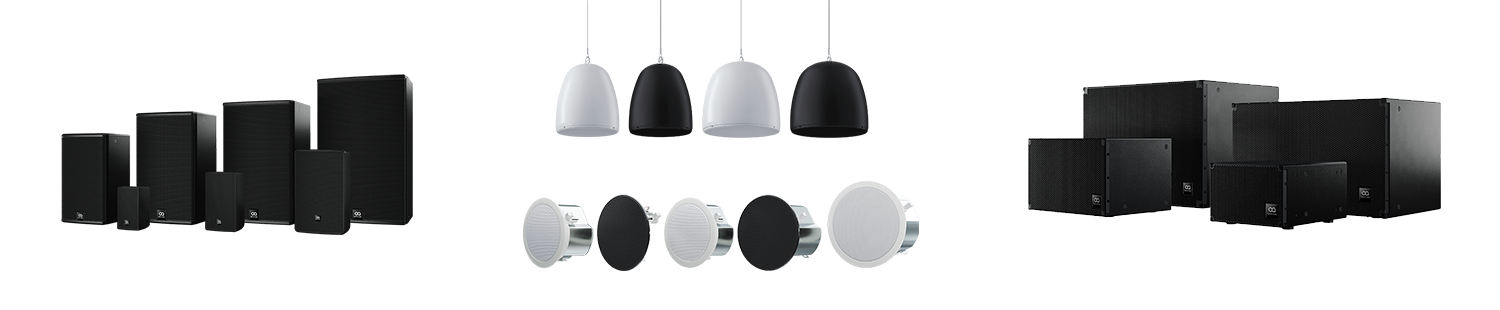 Loudspeakers
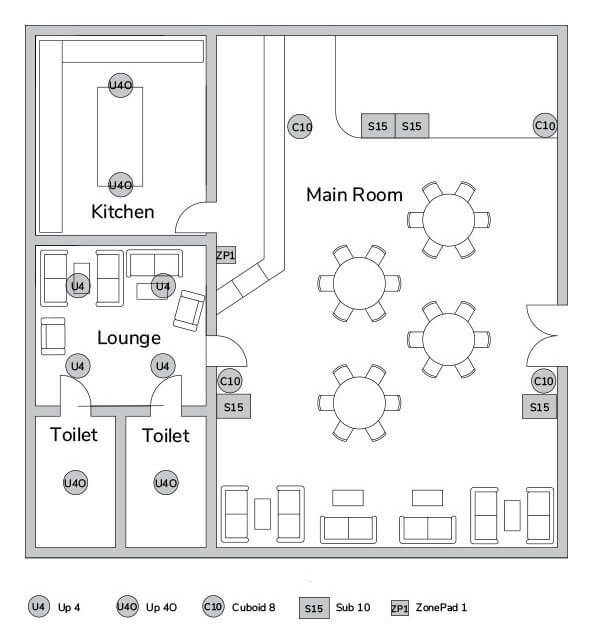
Loudspeaker selection is driven by three factors: the acoustic characteristics of the space, the installation constraints, and the required volume and sound quality for the application.
Ceiling speakers — the Up range — are the standard choice for background music in most commercial spaces. They provide even, unobtrusive coverage and are acoustically well-suited to rooms with normal ceiling heights.
Up 3 works well in corridors and low-traffic areas. The Up 4 and Up 4S are the workhorse of most hospitality and retail installations. The Up 6 is specified for larger spaces or where higher volume is required — gym floors, exhibition halls, and larger restaurant rooms with high ceilings.
Wall-mounted Cuboid loudspeakers are the right choice where ceiling installation is not possible, where the space demands higher-impact sound — group exercise studios, presentation spaces, bar areas designed for higher volume — or where the aesthetic of a visible, architectural speaker is preferred.
The Column loudspeaker series provides clarity in difficult rooms, flexibility between speech and music, and discretion of the architecture.
Subwoofers — the Sub range — add low-frequency extension where the application demands it. A gym with a dedicated spin studio, a bar that hosts DJ nights, or a restaurant where music is a significant part of the brand all benefit from a sub.
For most background music applications in hospitality and retail, subwoofers are not necessary and ceiling speakers alone deliver excellent results.
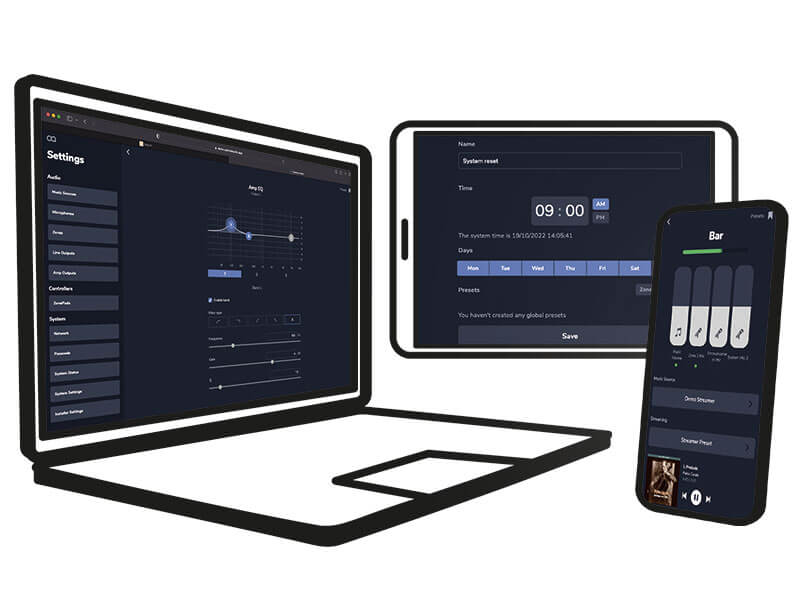 WebApp — control from any device
WebApp is the primary control interface and runs on any smartphone, tablet or desktop browser — no dedicated hardware, no special app to install, no licence fee.
Every member of staff with a phone can adjust their relevant zones, change source, check volume, or activate a preset.
An installer configures the system once at commissioning, setting the zones, presets and schedules. Staff then operate within those parameters without needing to understand the underlying configuration.
 ZonePad wall controllers
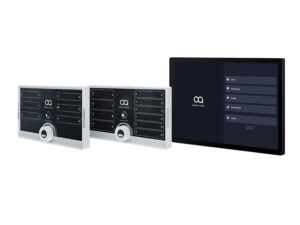
For venues where a dedicated physical control point makes more operational sense, the ZonePad range of wall-mounted controllers gives staff direct access to the system without a phone or screen.
ZonePad 1 provides single-zone local control — ideal at a teaching position in a classroom or studio, at a reception desk that only needs to adjust one area, or in a breakout room where relay on and off is all that’s needed.
ZonePad 4 gives direct access to four zones from a single panel — the standard choice for a hotel reception desk or a bar manager’s station. ZonePad 8 is the full-venue touchscreen controller — an eight-inch IPS touch display covering all eight zones, source switching, volume, microphone levels and routine triggering from a single elegant wall-mounted panel.
It connects via Power over Ethernet (PoE) or WiFi, making it straightforward to install in locations where running a dedicated cable is not practical.
 Scheduled routines
Scheduled routines are one of the most underused features of a well-configured system and one of the most commercially valuable.
WebApp allows time-of-day programming for every zone — a restaurant that automatically shifts from a quiet lunch setting to a livelier dinner atmosphere at 5:30pm without anyone touching a dial; a hotel lobby that wakes up with soft morning music and builds energy through the afternoon; a gym that starts each day at a lower volume and increases automatically through peak hours.
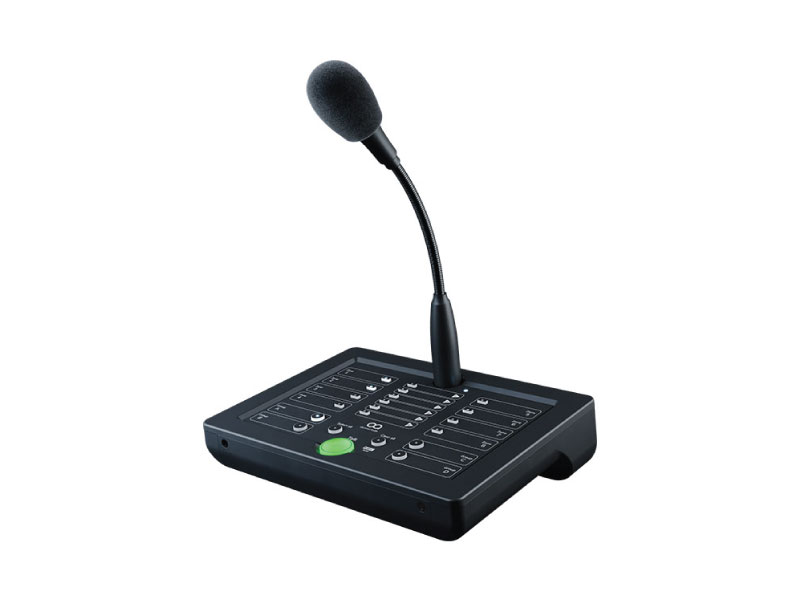
Once configured, the system runs itself. For venues with Talk 8, message routines work in the same way — pre-recorded announcements scheduled to play automatically to specific zones at set times, with no staff action required.
A well-configured Optimal Audio system should need staff involvement only when something genuinely changes — a special event, a volume adjustment for an unexpectedly busy evening, a source switch.
Day-to-day, the system should run on its routines without manual intervention.